

Best cordless drill for home use is the single most important upgrade for DIY projects, fast repairs, and maintenance in 2024. Choosing the right model can save you hours of frustration and prevent wasted money — but not every drill lives up to the hype.
Key Takeaways
- Reliable cordless drills for home use in 2024 strike a balance between power, battery life, and usability. Not all expensive models outperform budget-friendly choices.
- Brushless motors, ergonomic design, lithium-ion batteries, and at least 18V of power are critical factors for tackling diverse DIY tasks.
- Always consider weight, charging speed, and battery replacement costs when comparing popular models—these often overlooked details impact your experience and long-term value.
- What Makes a Cordless Drill the Best Choice for Home Use?
- How to Pick and Use a Cordless Drill for Home Projects
- Real-World Analysis and Common Mistakes with Cordless Drills
- Conclusion
- FAQ
What Makes a Cordless Drill the Best Choice for Home Use?
Not all cordless drills are created equal. The best cordless drill for home use combines the punch needed for tough materials with precise control for everyday repairs. In 2024, top-rated models—such as the Hercules HCB91K1, Milwaukee 3403-22, Skil DL6290A-10, Makita GFD02D, Flex FX1171T-2B, DeWalt DCD991P2, and Kobalt KXDD 1424A-03—excel in power, run time, speed settings, and handling. Expert testing shows that most homeowners are satisfied when their drill easily powers through wood, masonry, and quick anchor jobs without frequent recharges or awkward handling.
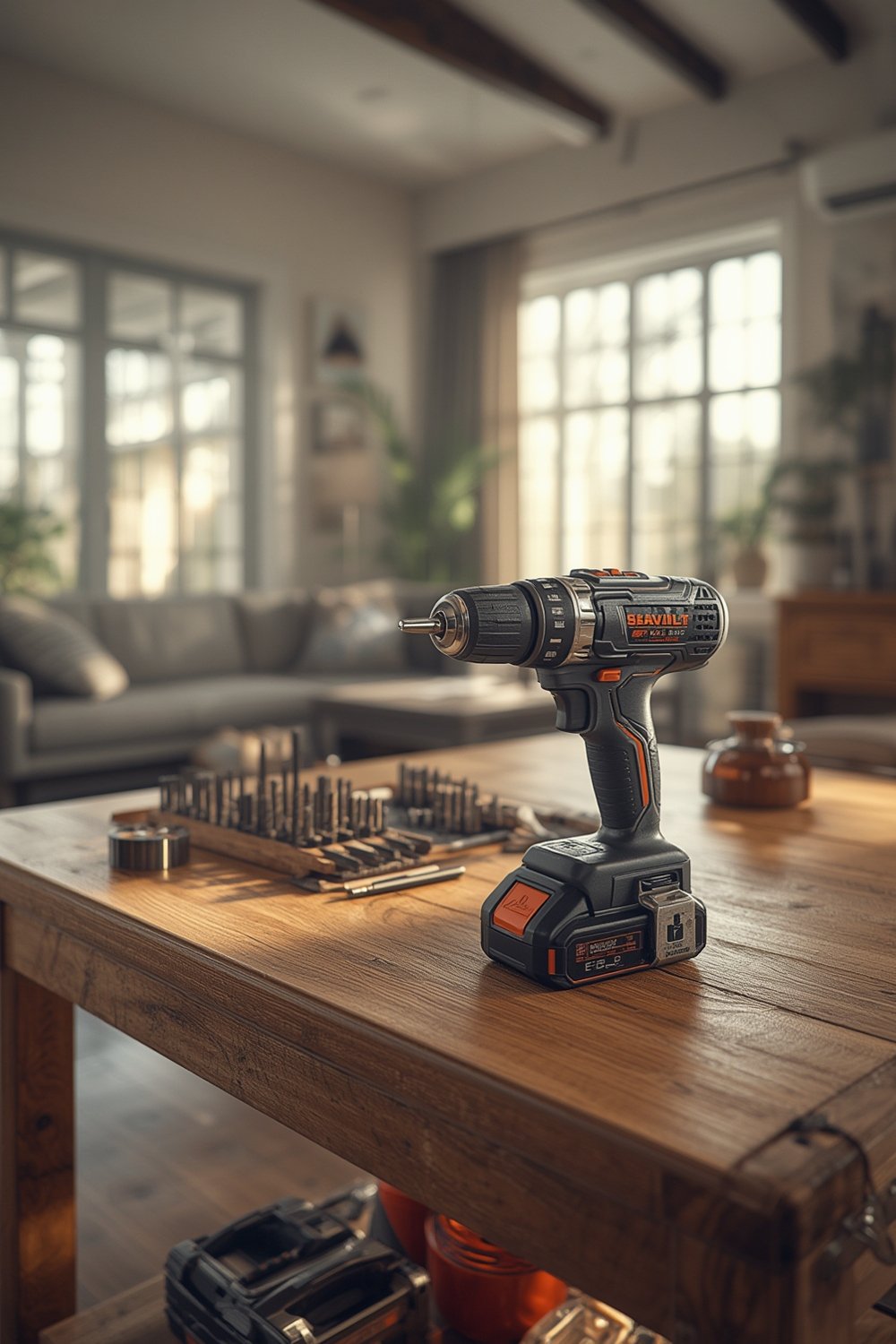
Key engineering improvements—like brushless motors and fast-charging lithium-ion batteries—set the best models apart. These features give you more consistent torque and a longer service life, even if you’re drilling over a weekend renovation project or hanging shelves in your spare time. Don’t overlook ergonomics: a well-balanced drill reduces wrist fatigue and the risk of dropped tools, especially on big weekend projects.
Power is about more than just numbers. For instance, DeWalt drills use “Units of Watts Out” (UWO) to express real-world power—showing why two “18V” drills can perform very differently in practice. Look for features like variable speed triggers, at least two gear settings, torque (clutch) control, and a comfortable grip. For most home users, an 18V lithium-ion system covers everything from soft pine to metal work, while lighter 12V systems might only handle picture frame hooks or light electronics.
Brands like Flex and Makita offer pro-grade performance without breaking the bank. Lesser-known picks like Kobalt deliver value for budget-minded homeowners—though you’ll want to account for tradeoffs like longer charging times. Most kits include batteries and basic accessories, and warranty terms often range between three and five years. These details matter just as much as raw specs, especially if you plan to use your drill regularly over the years.
For similar product insights across the home, don’t miss our top product picks and recommendations hub for more real-world buying advice.
How to Pick and Use a Cordless Drill for Home Projects
Getting the right cordless drill starts with knowing what tasks you need to tackle—and only then comparing real specs, ease of handling, and long-term cost. Here’s a clear, actionable approach:
- Assess Your Home Projects: Make a quick list. Are you planning simple repairs (like tightening cabinet hinges), mounting wall art, or tackling heavier jobs (like drilling into concrete or metal)?
- Choose the Right Voltage: For most homeowners, 18V is the sweet spot—offering flexibility for both delicate and demanding work. Consider 12V only for occasional, light-duty tasks. If you see yourself drilling into concrete or metal on occasion, prioritize at least 18V.
- Battery Technology: Prioritize lithium-ion batteries. They offer longer runtime, quicker charging, and ongoing reliability versus outdated NiCad packs. Fast-charging systems (like those from Milwaukee and Hercules) mean less downtime, especially on longer DIY days.
- Look for Speed and Torque Options: Two speed settings suffice for most. Three or more are ideal if you’ll be drilling into mixed materials, like wood and metal. A clutch (torque control) helps prevent stripping screws and protects your wrists.
- Check Weight and Grip: Heavier models (like the DeWalt DCD991P2) can feel unbalanced during long jobs. Lightweight models help if you have smaller hands or plan longer sessions. Always test for ergonomic grip and weight in your hand if possible.
- Extra Features: Integrated LED lights, brushless motors, and easy-to-access reverse switches improve usability. Kits that include two batteries and a carrying case are worth the investment if you want less hassle and better organization.
- Set a Realistic Budget: Kits range from about $100 for solid basics (like the Kobalt KXDD 1424A-03) to over $400 for pro-grade sets. Compare not just price, but included batteries and warranty coverage. Some budget-friendly choices rival pro models in performance—so check recent expert reviews to avoid overpaying. For a smart upgrade to your home toolkit, see our permanent outdoor lights buying guide if you’re working with exterior projects soon.
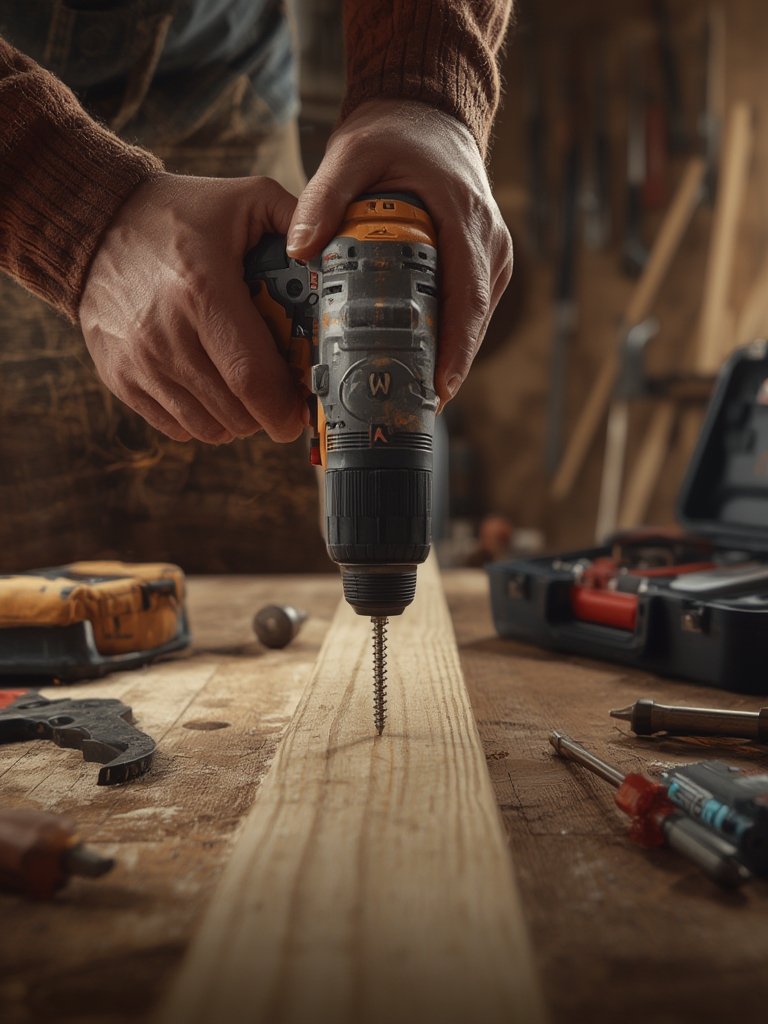
If your work often involves cleaning up after projects or you want to streamline household maintenance overall, check out our thorough guide to the best self-emptying robot vacuums for pet hair. Smart tools go beyond drills, and small purchases can add up to noticeable time savings weekly.
Real-World Analysis and Common Mistakes with Cordless Drills
Even the best cordless drill for home use has limitations. Many users report similar pain points after months or years of use—most of which can be avoided by setting realistic expectations and following simple maintenance habits.
| Model | Strengths | Biggest Complaints | Who It’s Best For |
|---|---|---|---|
| Hercules HCB91K1 | High power; long battery life | Heavier than most; basic speed settings | Heavy-use DIYers |
| Milwaukee 3403-22 | Very powerful; lightweight | Noisy motor; higher price | Frequent users; those who value speed |
| Skil DL6290A-10 | Fast recharge; affordable | No bit storage on board | Budget-conscious; basic tasks |
| Makita GFD02D | Long run time; great torque | Heavier for extended use | Intermediate/pro users |
| Flex FX1171T-2B | Pro-grade performance at lower cost | Bulky; above-average weight | Anyone tackling tough materials |
| DeWalt DCD991P2 | Outstanding power and speed settings | Heavy and unbalanced; expensive batteries | Advanced users; metalwork/large projects |
| Kobalt KXDD 1424A-03 | Inexpensive; good balance | Slow (85-min) charging | Budget users; infrequent jobs |
External testing and homeowner feedback (see Consumer Reports) confirm some recurring issues:
- Batteries: Lithium-ion is standard now, but even top brands can lose runtime quickly if always left discharged, overcharged, or used in extreme cold. Batteries are the #1 source of complaints and future expenses after two years for heavy users – keep this in mind for total ownership cost (source).
- Brushes and Motors: In non-brushless drills, motor brushes can wear out after 2–3 years, resulting in lower torque and sudden failure. Replaceable brushes are a plus; brushless models typically last much longer with less maintenance (source).
- Ergonomics and Weight: Overly heavy or unbalanced drills—like the DeWalt DCD991P2—wear you out during long jobs or overhead work. Lightweight models may be better for smaller users or repeated light-duty tasks. Always test the drill’s balance and switch placement before buying.
- Charging Speed: Long recharge times are frustrating, especially with models like Kobalt that take up to 85 minutes. Consider buying two batteries so you’re never caught waiting mid-project.
- Accessory Shortcomings: Missing onboard bit storage, no carrying case, or cheap chargers add small but real annoyances over time. Look for complete kits, but don’t overpay for extras you truly don’t need.
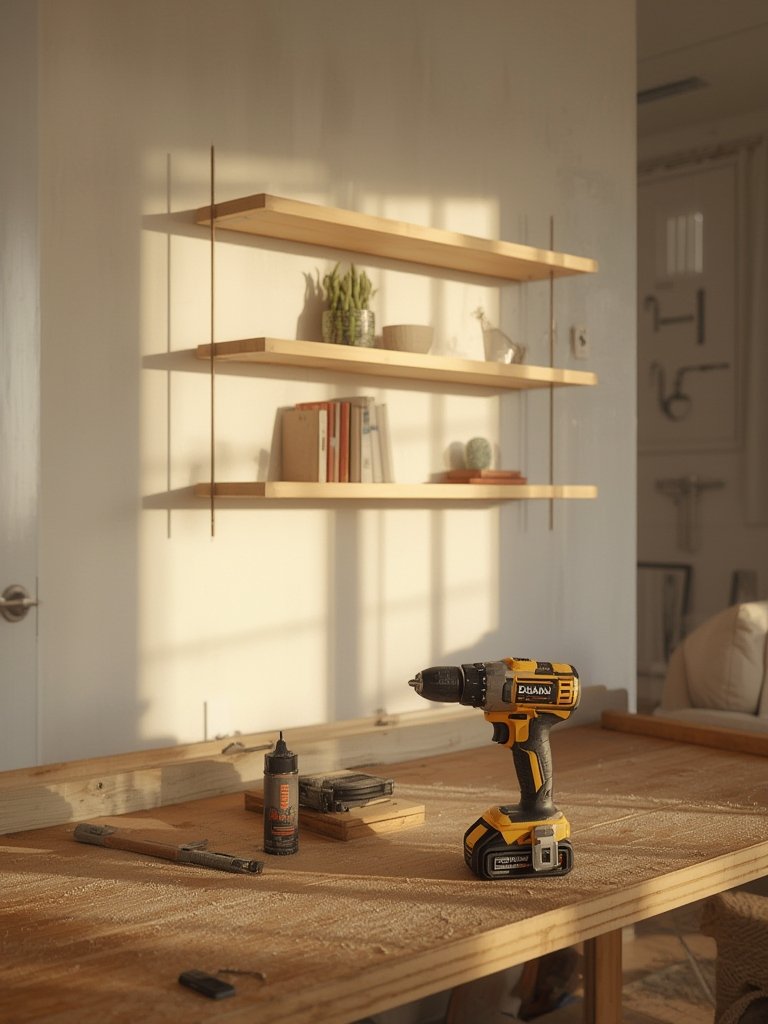
For those creating multi-purpose home spaces or looking to avoid clutter, explore our layered strategies in the organic modern kitchen guide for actionable ideas on organizing your workspace and storage.
If your project scope expands to smart home tech or furniture upgrades, our guides on modular couches and fluted glass cabinetry help streamline multi-room makeovers without the overwhelm.
For deeper performance info and power metrics (like UWO ratings), see this technical guide to DeWalt’s unique system.
Conclusion
In summary, picking the best cordless drill for home use is less about brand name or voltage alone, and more about matching your real projects, comfort preferences, and willingness to maintain batteries. Brushless motors, reliable lithium-ion batteries, strong warranties, and balanced form factors are the “must-have” features for today’s DIY homeowner. Don’t ignore small annoyances—weight, charging speed, or lack of a second battery—that add up with frequent use.
The best cordless drill for home use will give you years of reliable service and unlock new DIY possibilities. Ready to upgrade your toolbox or have a question about a specific brand? Choose smart, and bring power and control to your next home project—starting today.
FAQ
How do I know which voltage is best for my home use?
Most homeowners do best with an 18V drill—it balances power and control for both heavy work and simple repairs. Only go for a 12V model if you’re doing very light-duty tasks, like electronics or hanging photo frames.
Are brushless drills worth it for occasional DIYers?
Yes. Brushless motors last longer, need less maintenance, and deliver more efficient power. You’ll pay a little more up front, but the savings on replacements and repairs are worth it even for infrequent users.
What should I do to extend my cordless drill’s battery life?
Rotate batteries regularly, never store them completely dead or fully charged for long periods, and avoid using them in freezing temperatures. Clean battery contacts and store in a cool, dry place for maximum lifespan.
Is it better to buy a kit or a bare drill?
Kits are almost always the better value for home users, since they include at least one battery, charger, and sometimes a carrying case. Bare tools only make sense if you already own compatible batteries and want to save space.
What’s one hidden feature to look for that high-ranking articles miss?
Charger speed—a slow charger can ruin your project day. Look for models that fully recharge batteries in an hour or less for the best user experience.