

### Blog Post:
Speed test tools are the quickest way to measure your internet performance, but most users miss critical details that affect results—and interpretation mistakes are common.
Key Takeaways
- Speed test results vary by hardware, connection type, server distance, and network congestion, not just your internet plan.
- Global median broadband speeds have steadily climbed in 2024, but the real experience depends on factors most tools don’t explain.
- Correctly using a speed test can diagnose Wi-Fi slowdowns or show if an upgrade is worth it—if you know how to read the results.
- What Is a Speed Test and Why Does It Matter?
- How to Accurately Run a Speed Test: Step-by-Step Guide
- Advanced Analysis and Common Speed Test Pitfalls
- Conclusion & Takeaways
- FAQ: Speed Test Demystified
What Is a Speed Test and Why Does It Matter?
A speed test measures your internet connection’s performance: mainly download speed, upload speed, and latency (or ping). A fast result can mean smooth streaming and low video call lag, while a slow one might cause buffering or downloads that drag forever.
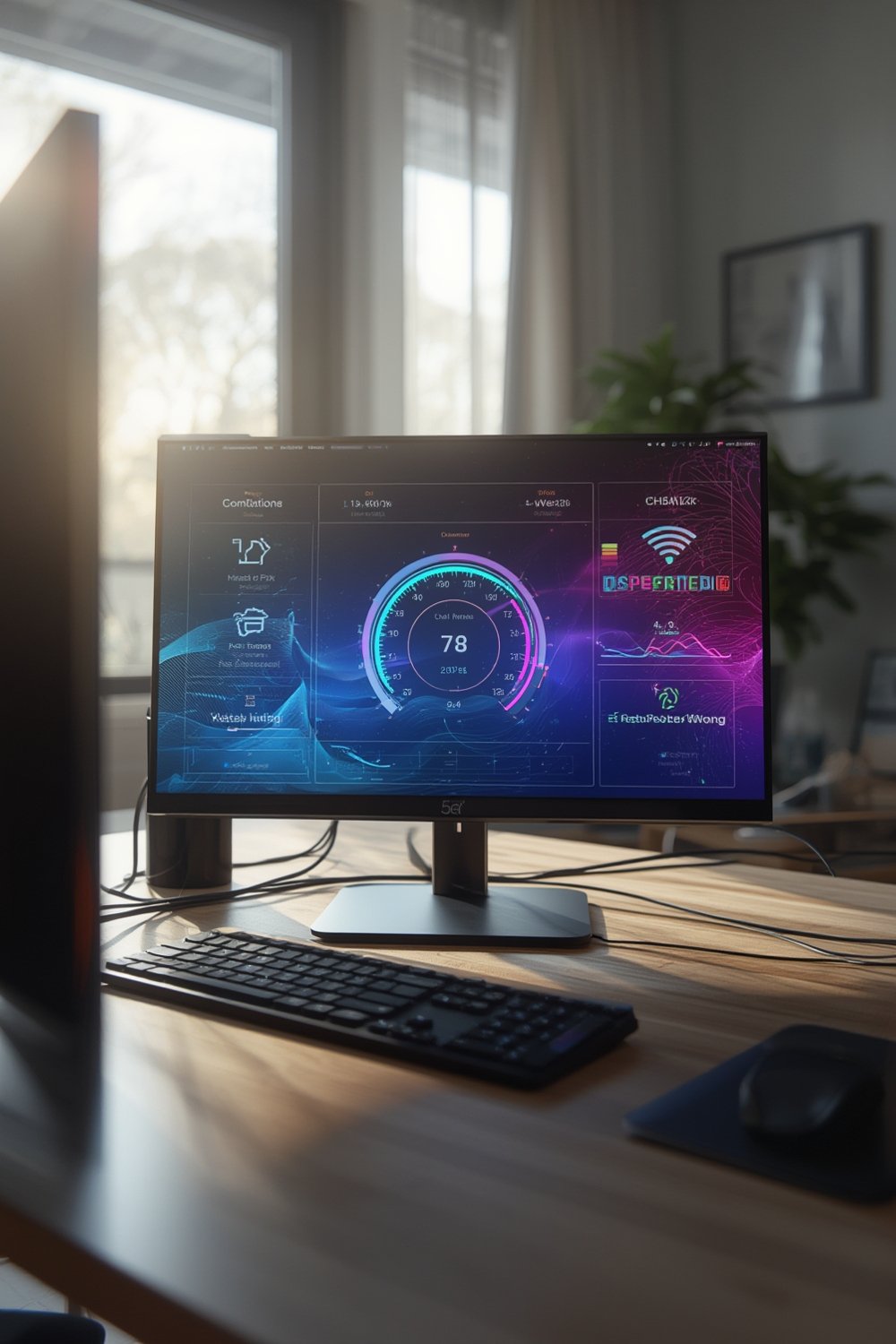
But why does it matter? Because ISPs sell you speed, but your real-life experience may be far lower. A 2024 global report saw median broadband downloads hit 92.96 Mbps, up 17% from 2023. Yet where you live makes a huge difference: Western Europe averages 138.47 Mbps, while Oceania lags behind at only 28.86 Mbps according to global league tables.
Whether you work from home, stream TV, or smart-home heavily, a speed test helps you see if you’re getting the performance you pay for. For more on home tech optimization, see our Smart Thermostat Guide or Homebridge Smart Home Integration.
How to Accurately Run a Speed Test: Step-by-Step Guide
Don’t just click “Go” and trust the number that pops up. Maximize accuracy and avoid false low results with these steps:
- Connect via Ethernet. If possible, plug your device directly into your router. Wi-Fi adds interference and typically yields 10-40% lower speeds than wired connections.
- Pause downloads, streams, and uploads on all devices—not just the one you’re testing. Otherwise, current traffic will reduce the perceived speed.
- Restart your router and testing device to clear stuck background processes or memory leaks that could throttle speed.
- Pick a reputable testing site (e.g., Speedtest.net or Fast.com). Using multiple platforms helps cross-check if results are skewed.
- Test several times at different times of day. Speeds vary based on local congestion and overall network demand—especially during evenings.
- Compare your results to regional averages. For example, US average broadband speeds hit 305.51 Mbps by late 2025 (source), but your experience may be above or below this based on infrastructure and provider.

Need to compare tech stats across your devices? For interpreting technical results (like router output or Wi-Fi performance), check out our Speed Test Interpretation Guide.
Want advice on optimizing other smart devices? We cover setup tricks for Nuki Smart Locks and Ring Video Doorbells as well.
Advanced Analysis and Common Speed Test Pitfalls
Many users misinterpret speed test results—or run them under the wrong conditions. Here’s what really impacts your outcome, plus issues that trip up even tech-savvy testers:
- Device hardware limit: Older phones/laptops can’t process modern gigabit speeds even if your ISP delivers them.
- Wi-Fi congestion: Multiple devices—or neighbors on the same channel—will drag down results more than people realize.
- Server selection: Speed tests pick the shortest network path. However, streaming and gaming traffic rarely take the same route, so expect higher latency in actual use.
- ISP throttling or prioritization: Some services deprioritize speed test sites or certain app types at peak hours.
- Misreading upload speed and latency: Uploads matter for video calls, sharing files, cloud storage, and gaming. Many users focus only on download numbers, overlooking the practical impact of slow uploads or high jitter (variation in ping).
| Factor | Impact on Speed Test | How to Identify | Solution |
|---|---|---|---|
| Testing Device Age | Old network cards cap speeds below your plan | Consistently low results across apps/sites | Test with a newer device |
| Wi-Fi vs. Ethernet | Wi-Fi is less stable, more prone to drops | Wired test always faster than wireless | Use Ethernet or optimize Wi-Fi placement |
| Server Location | Distant servers inflate latency, lower speed | Compare local vs. remote server tests | Test against multiple servers |
| Background Apps | Other downloads skew your result | Fluctuating speeds each test run | Pause/close apps before testing |
| ISP Network Traffic | Congestion at peak times hinders speed | Lower speeds evenings/weekends | Test morning/night; consider plan upgrade |
Looking for robust cleaning on a smart home budget? You might like our self-emptying robot vacuums for Pet Hair or explore all our top product picks and recommendations.

Conclusion & Takeaways
A speed test is only as accurate as your setup and your interpretation. Understand what influences the numbers, test more than once, and always compare both upload and download speeds—not just the big headline figure. Real-world internet performance is about more than raw numbers: monitor trends, compare to local benchmarks, and troubleshoot step-by-step. To dive deeper, use our full Speed Test Interpretation Guide for advanced strategies.
Don’t settle for lag or sluggish connections. Regularly use a speed test to benchmark your network, spot glitches early, and maintain the fast, reliable internet you’re paying for. If you’re struggling, consult our guides or reach out with questions below!
FAQ: Speed Test Demystified
What does a speed test actually measure?
It measures your current download speed, upload speed, and latency between your device and a chosen remote server.
How do I know if my speed test results are “good” for my area?
Compare your results to regional or national averages—such as this global league table. Urban areas often exceed 100+ Mbps, while rural or remote regions may be far below that.
Why is my Wi-Fi speed much lower than my wired speed?
Wi-Fi suffers from interference, range, and device congestion. If your wired speeds are much higher, your router placement, device age, or home interference could be the limiting factor.
What’s the difference between download and upload speed—and does upload matter?
Download speed controls how fast you get data (streaming, browsing). Upload speed affects video calls, file sharing, security cameras, and online gaming. For many modern users, a slow upload can be just as frustrating as a slow download.
Can ISPs or speed test sites track my personal information?
Most tools collect anonymized usage stats for performance mapping. If you’re worried about privacy, read the provider’s privacy policy or use incognito browsing. For extra protection, use VPN services.
—