

Schlage Encode Smart WiFi Deadbolt offers a keyless, WiFi-connected way to control your door, but how does it stack up on real installation, ongoing costs, security, and the everyday quirks that matter most? Cut through vendor hype—here’s a practical, research-driven look at what to expect.
Key Takeaways
- The Schlage Encode Smart WiFi Deadbolt dominates the North American smart lock market—especially among WiFi-connected deadbolts—but independent data on real-world reliability is thin.
- Setup and installation are theoretically straightforward, but unresolved pain points like WiFi issues and hidden maintenance costs can catch users off guard.
- Security features are advanced but direct comparisons with competitors’ security architecture and cost-of-ownership are hard to find.
- What Is the Schlage Encode Smart WiFi Deadbolt and Why Consider It?
- How to Install and Set Up the Schlage Encode Smart WiFi Deadbolt
- Advanced Analysis and Common Pitfalls
- Conclusion
- FAQ
What Is the Schlage Encode Smart WiFi Deadbolt and Why Consider It?
The Schlage Encode Smart WiFi Deadbolt is a home security upgrade that replaces your old deadbolt with a WiFi-enabled, keyless lock. Unlike basic electronic locks, it connects directly to your home’s WiFi—no hub required. You can lock, unlock, and monitor your door remotely using the Schlage Home or Amazon Key app, create up to 100 unique user codes for guests or family, and integrate with smart assistants such as Alexa and Google Assistant.
This deadbolt sits at the intersection of DIY convenience and modern security. With the North American smart lock market generating over $1 billion in 2024—and deadbolts holding nearly half of that segment—it’s no surprise WiFi-enabled locks like the Encode have surged in popularity. Adoption is surging due to widespread home WiFi and the desire for seamless, key-free access control.
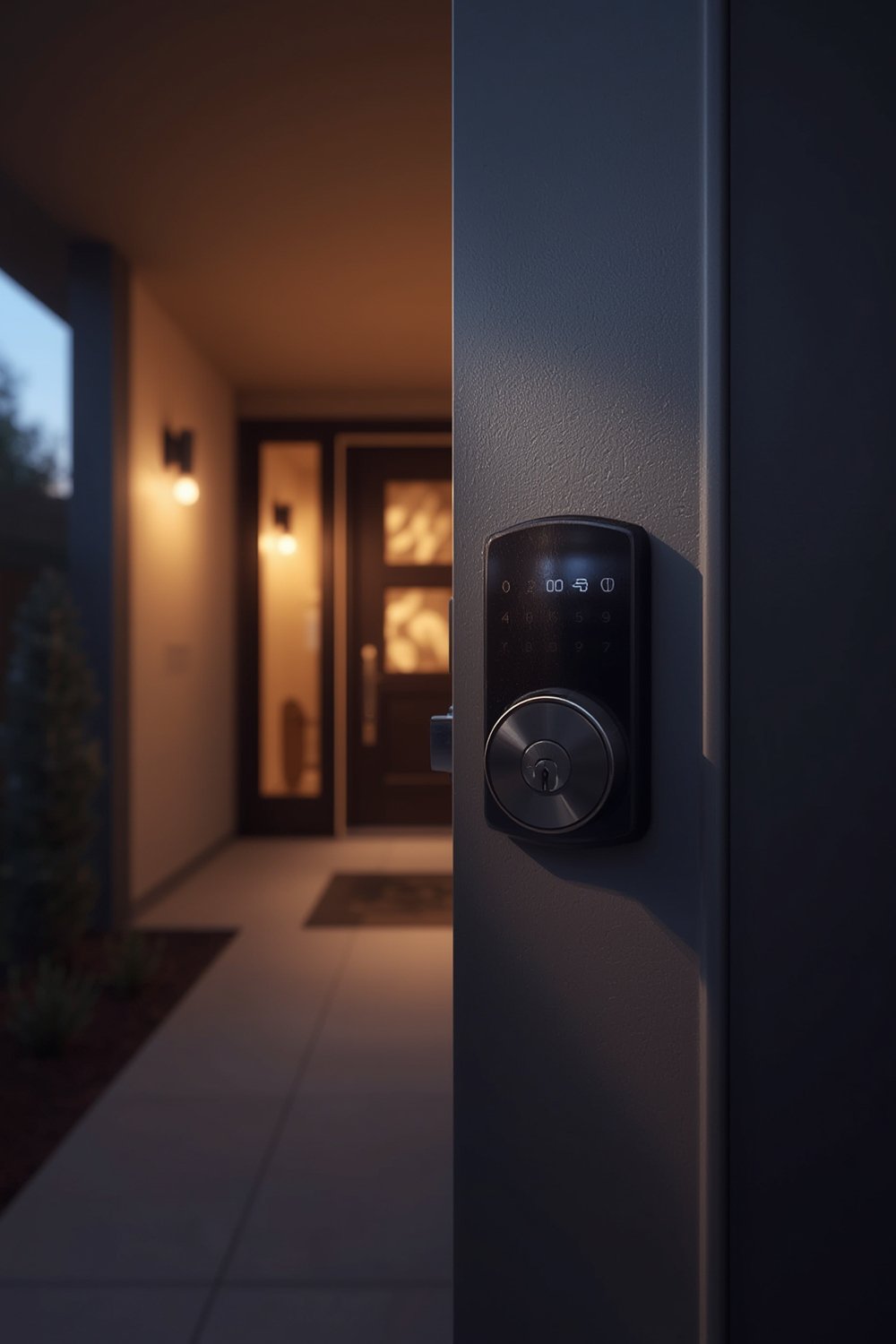
Key reasons to consider the Schlage Encode Smart WiFi Deadbolt:
- Remote locking, unlocking, and real-time status notifications
- No monthly fees for basic app control and lock management
- User-friendly integration with existing deadbolt cutouts—making it appealing to renters and homeowners alike
- Support for third-party smart home solutions for flexible automation
If you’re looking to connect more smart tech, this can be paired with solutions like Kasa smart plugs or a smart thermostat to deepen your home automation.
How to Install and Set Up the Schlage Encode Smart WiFi Deadbolt
Ready to upgrade? Here’s what the usual process looks like, along with tips the official manuals leave out.
- Remove your old deadbolt. Unscrew the inside plate, take out the latch, and remove everything so the door hole is clear. Confirm your door thickness (typically 1⅜” to 1¾”) matches the Schlage’s compatibility.
- Install the new latch. Insert and screw the Schlage latch in place, ensuring the “up” arrow points up and the latch plate sits flush—misalignment can prevent smooth operation.
- Attach the exterior assembly. Insert the keypad/exterior facing piece, slide the connecting cable through the door, and seat the tailpiece through the latch.
- Mount the interior plate. Align over the cable and secure with Schlage’s mounting screws, keeping wires flat and untwisted.
- Connect batteries and finish assembly. Plug the cable into the interior unit, add four AA batteries, and snap the cover closed.
- Test the manual lock/unlock function. Without batteries, ensure the thumbturn and deadbolt move smoothly. Adjust if needed before you power up.
- Download and launch the Schlage Home app or Amazon Key app. Scan the included QR code to quickly connect over WiFi. Follow the setup wizard for pairing, naming your lock, and setting up user codes.
- Update firmware if prompted. This may take a few minutes but ensures max security and WiFi stability.
- Test app, code, and physical key access. Try locking/unlocking via the app and keypad, and keep your mechanical key somewhere safe.
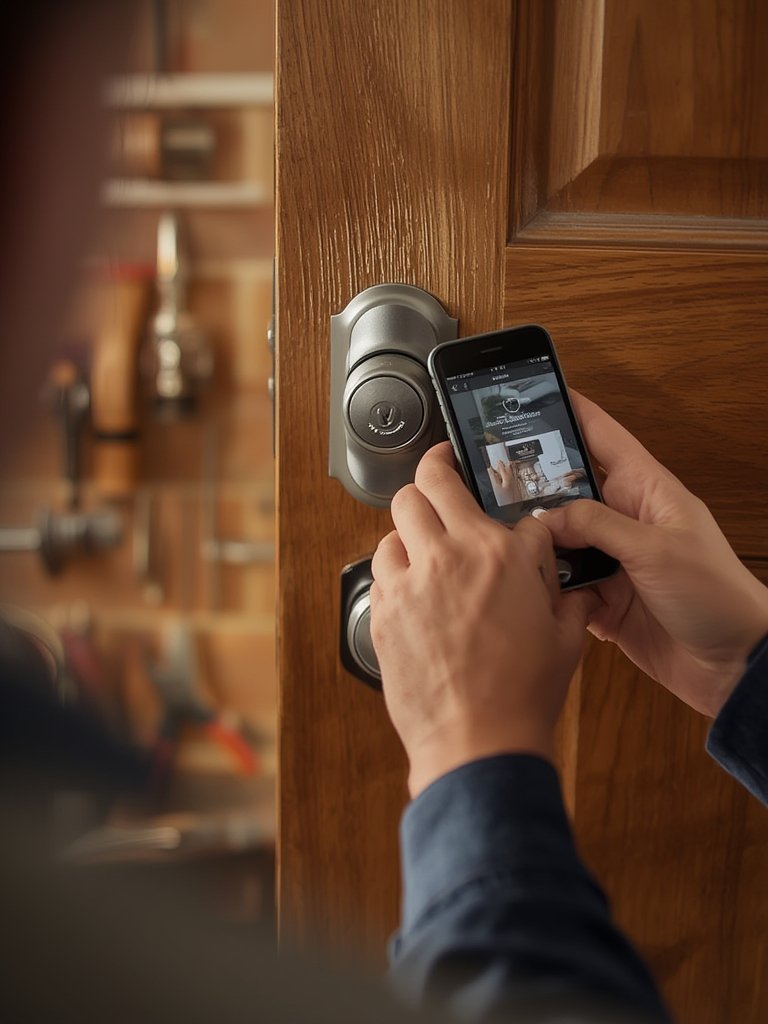
For those integrating with broader smart home systems, you might want to explore platforms like Homebridge or expand your system with a Ring Video Doorbell Elite for extra front door monitoring.
Advanced Analysis and Common Pitfalls
While manufacturer marketing highlights simplicity, several issues regularly trouble smart deadbolt owners. Here’s what to realistically expect—and which research-backed security features (and gaps) set the Schlage Encode apart.
Market Context and Security Features
Market data shows WiFi-compatible deadbolts dominate North America—near 50% market share in smart locks as of 2024, with WiFi as the preferred protocol (source). The Schlage Encode supports up to 100 user codes, offers direct integration with Schlage/Amazon Key apps, and is expanding to support Apple Home Key and Google Wallet—especially in newer mortise variants (source).
On security, Schlage aims for parity with Yale, August, Lockly, and Kwikset, but market data lacks specifics on encryption standards, penetration testing, or security certifications. Yale’s Assure Lock 3, for example, touts 250 user codes and Matter-over-Thread for advanced automation—but again, no direct side-by-side security benchmarks are available (source).
Common Pitfalls and Installation Troubles
- WiFi Signal Issues: Dead spots near the front door often disrupt pairing, cause remote lock failures, or glitch automation routines.
- Batteries and Power: Standard Schlage Encode uses four AA batteries—lifespan varies wildly (some report months, others less) based on WiFi signal strength and usage patterns. New mortise variants offer hardwired power but aren’t standard in most homes.
- Compatibility: Not all doors fit smoothly; if your door isn’t drilled for a standard deadbolt, expect to do some woodwork or buy adapter kits.
- App Glitches: Firmware updates and app syncs can occasionally brick features until patched. Always test both physical and app access before relying solely on smart control.
- Maintenance Costs: While basic app control is free, battery replacements and potential accessory upgrades (like WiFi extenders) add up. Full cost-of-ownership comparisons to other brands are hard to find but important to factor in.
| Feature | Schlage Encode | Yale Assure Lock 3 | August WiFi Smart Lock |
|---|---|---|---|
| User Codes | Up to 100 | Up to 250 | N/A (App-based invites) |
| Direct WiFi | Yes | No (uses hub or Matter-over-Thread) | Yes |
| Apple Home Key | Encode Plus only | Yes (Assure Lock 3 – Dec 2025+) | No |
| Power Supply | Battery (AA); Hardwired in mortise variant | Battery | Battery |
| Installation Complexity | Standard deadbolt; Retrofit for most doors | May require new strike plate; Retrofit | Attaches to existing deadbolt – no exterior keypad |
| Subscription Required | No (for basic features) | No | No (with limited features) |
Looking for alternatives? Check out this detailed look at the Nuki Smart Lock and how it compares, or for more general tech upgrades, consider pairing your system with a self-emptying robot vacuum to maximize home convenience.
Conclusion
The Schlage Encode Smart WiFi Deadbolt is a strong contender in the keyless home security space, leading market adoption with built-in WiFi and flexible user code management. However, real-world pain points—WiFi dropout, battery changes, and sometimes glitchy app integration—remain underreported in official coverage. Cost transparency and independent security evaluations are still missing in most competitor analyses.
If you’re seeking reliable remote control, robust code sharing, and future-proof integration without monthly fees, it’s a smart bet—just set realistic expectations about connectivity and ongoing upkeep. Before you buy, review your door’s compatibility, and factor in the broader ecosystem of top home improvement picks to maximize your investment.
Ready to secure your entryway with a smart, WiFi-connected solution? Weigh the upsides and downsides of the Schlage Encode Smart WiFi Deadbolt—and take action today to make your home smarter and safer.
FAQ
Does the Schlage Encode Smart WiFi Deadbolt require a monthly subscription?
No, you do not need a paid subscription for core features like remote lock, unlock, and user code management via the app. Some integrations with third-party delivery services may offer premium options, but they are not mandatory for basic use.
Will it fit my door?
This deadbolt fits most standard doors 1⅜” to 1¾” thick with a standard deadbolt cutout. Non-standard or metal doors may require additional adjustments or adapter kits.
How often will I need to replace the batteries?
Standard AA batteries typically last 6–12 months depending on WiFi strength and usage. If your door has weak WiFi, the lock may consume power faster. Frequent lock/unlock cycles also reduce battery life. The Encode Plus mortise variant can use hardwired power in multifamily settings.
Is the Schlage Encode compatible with Apple Home or Google Wallet?
The newest Schlage Encode Plus and mortise variants support Apple Home Key and Google Wallet. Original Encode models do not; check your exact model for compatibility before buying.
How does the Schlage Encode compare to August, Yale, or Nuki smart locks?
Schlage offers direct WiFi connectivity and built-in keypad user management up to 100 codes. Competitors like Yale offer more user codes and advanced features like Matter-thread networking, while August specializes in retrofits with app-only access. Differences in installation, power, and app integration matter—see the comparison table above for details.
—