

Kasa smart plug devices are changing the way people control appliances and manage their homes’ energy use without complicated smart home ecosystems or heavy costs.
Key Takeaways
- Kasa smart plugs stand out through affordability, built-in energy monitoring, and broad compatibility, especially with Alexa and Google Assistant.
- Installing a Kasa smart plug takes just a few minutes, but reliable Wi-Fi and app familiarity are essential for a smooth setup.
- While technical issues are rare, knowing typical pitfalls helps ensure trouble-free integration and use in any smart home environment.
- The Core Concept: What Makes Kasa Smart Plug Matter in 2024?
- Step-by-Step: How to Set Up and Optimize Your Kasa Smart Plug
- Advanced Analysis & Common Pitfalls: What to Watch Out For
- Conclusion
- FAQ
The Core Concept: What Makes Kasa Smart Plug Matter in 2024?
TP-Link’s Kasa smart plug sits at the center of the smart home market as a device that transforms ordinary outlets into connected, voice-controllable energy hubs. In 2024, at a time when Wi-Fi-powered plugs account for about 65 percent of overall smart plug revenue worldwide, Kasa’s reputation for reliability and value makes it an ideal choice for first-time buyers and people seeking no-nonsense functionality [source].
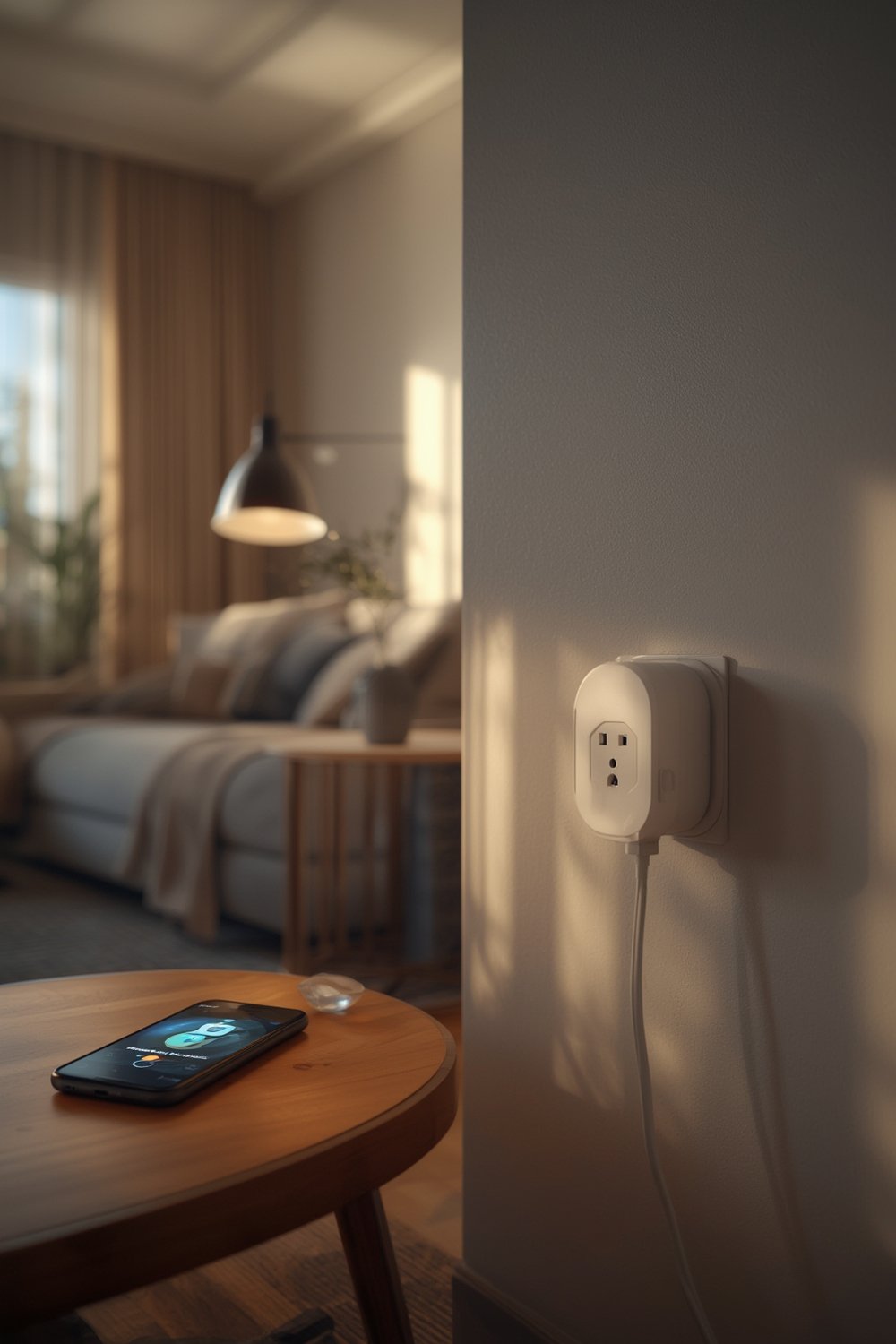
What sets Kasa apart isn’t just the price—though multi-packs like the HomeKit-equipped four-pack at $49.99 [source] are hard to beat for value. Kasa integrates energy monitoring, Matter compatibility (meaning plug-and-play with devices from Amazon and Apple, not just Google), and offers cross-brand automation. This matters because it lets homeowners connect, schedule, and analyze device use even if their gadgets come from different manufacturers.
Unlike premium competitors that target Apple loyalists (such as Belkin Wemo with its emphasis on HomeKit), Kasa smart plug focuses on being accessible, simple, and widely compatible. This strategy continues to help it maintain a strong presence among the likes of Meross, Philips, and Amazon themselves [external research].
For a deeper dive into related smart home tools, check out our guide on what is a smart home.
Step-by-Step: How to Set Up and Optimize Your Kasa Smart Plug
Setting up your Kasa smart plug is a quick process. Below are the steps most users need to follow for both basic and advanced integration:
- Check Wi-Fi Requirements: Kasa smart plug connects to 2.4GHz Wi-Fi bands only. Mesh networks and dual-band routers must have 2.4GHz enabled and not hidden.
- Download the Kasa Smart App: Available for iOS and Android, it’s required for setup, firmware updates, and automation. Ensure your phone is on the same Wi-Fi as the plug.
- Plug In the Device: Insert Kasa smart plug into any standard outlet. An LED should blink to indicate pairing mode; if not, press and hold the button until it starts.
- Follow In-App Instructions: The app will guide you to detect, name, and pair the plug to your Wi-Fi. Give it a distinct, useful name for voice control and automations.
- Integrate with Voice Assistants: Link your Kasa app to Amazon Alexa, Google Assistant, or Apple Home via Matter for voice commands and routines. This is where Kasa’s Matter support shines—one setup covers multiple platforms.
- Set Up Energy Monitoring and Scheduling: Compatible Kasa models allow you to track energy consumption within the app and set schedules or timers based on your needs.
- Test and Troubleshoot: After setup, use the Kasa app or a voice command. If the outlet isn’t responsive, double-check Wi-Fi, app updates, and device placement.
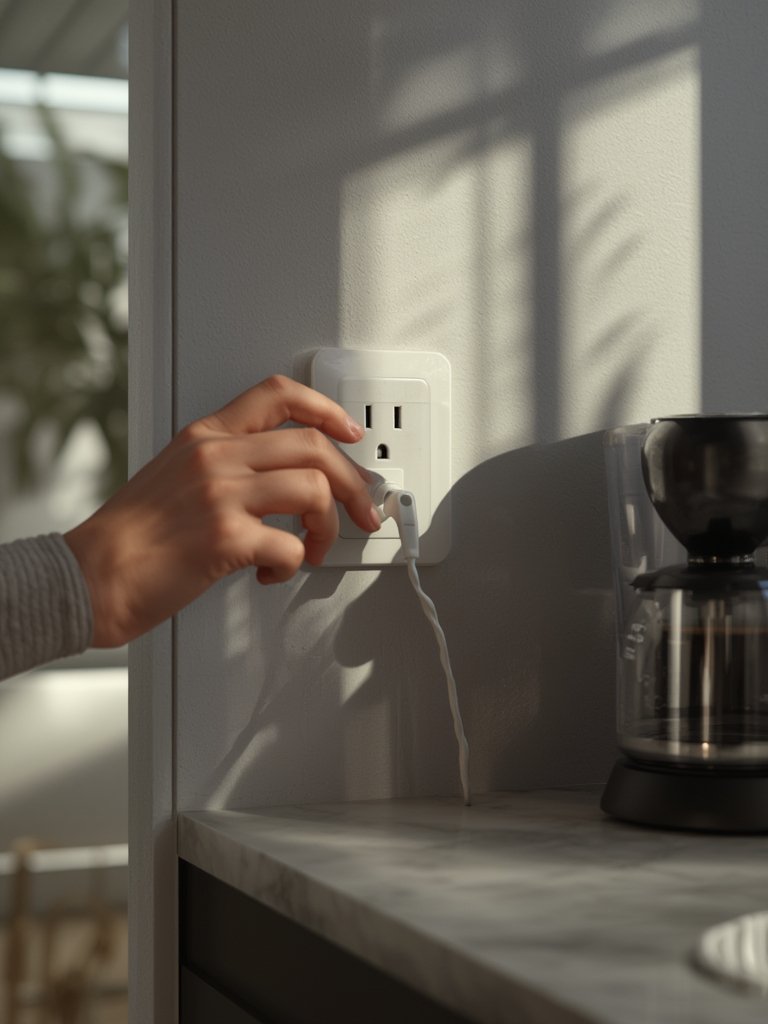
Want to expand your home’s capabilities? Try pairing your plug with a self-emptying robot vacuum for pet hair so you can automate cleaning routines, or control your permanent outdoor lights for added security.
For hobbyists and advanced users, Kasa plugs also work with software bridges like Homebridge to unlock extra compatibility, bridging less common devices under one app.
Explore new ways to keep your home organized with kitchen pantry organization tips—combine scheduled lights or appliance controls for better efficiency.
Advanced Analysis & Common Pitfalls: What to Watch Out For
While Kasa smart plug is regarded as reliable and easy to install, a few practical issues may come up:
- Wi-Fi Band Limitation: Many users forget that Kasa supports only 2.4GHz, not 5GHz networks. This leads to failed connections if routers are set for 5GHz only.
- Device Compatibility: While most major smart assistants are supported, those seeking deep Apple HomeKit integration may find Belkin Wemo or specialized plugs fit their iOS ecosystem needs better [market source].
- App Updates & Language Barriers: In rare cases, app interface changes or lack of support for certain languages can slow down setup, so always update before starting.
- Installation Frustrations: Although current research does not document persistent installation issues among users, connection timeouts or incorrect initial Wi-Fi passwords are the most likely snags.
- Matter Confusion: Some users expect plug-and-play Matter compatibility but neglect finishing the setup within their home assistant’s app (like Alexa or Google Home). Be sure to add devices to all relevant platforms.
| Feature | Kasa Smart Plug | Belkin Wemo | Meross |
|---|---|---|---|
| Energy Monitoring | Yes | No | Depends on model |
| Matter Support | Yes | Limited | Some models |
| Price for 4-Pack | $49.99 | $60-$70 | $45-$55 |
| Alexa/Google Assistant | Yes | Yes | Yes |
| HomeKit Integration | No (works via Matter) | Yes | Some models |
Smart home enthusiasts looking for broader ecosystem support may wish to review Nuki smart lock or Ring video doorbell elite for advanced integration ideas.
Conclusion
Kasa smart plug continues to prove itself as a practical, feature-rich option for anyone optimizing their smart home on a reasonable budget. Its main strengths are hassle-free setup, competitive pricing, and evolving platform compatibility. If you value reliable energy monitoring and easy integration with Alexa or Google Assistant, a Kasa smart plug is likely your best bet.
Ready to upgrade? Shop smart and take the next step toward true home automation—get started with your Kasa smart plug today.
FAQ
Does the Kasa smart plug require a hub?
No, Kasa smart plugs connect directly to your home’s 2.4GHz Wi-Fi network. No additional hub or bridge is needed unless you want Apple HomeKit support, which then uses Matter or extra steps.
Can I use Kasa smart plug away from home?
Yes, as long as the plug is online and your Kasa account is active, you can control devices remotely through the Kasa app or linked smart assistants.
What should I do if my plug won’t connect?
First, ensure your Wi-Fi is set to 2.4GHz—not just 5GHz. Try rebooting your router and phone, and make sure your mobile device is on the same Wi-Fi during setup. Reset the plug using its button if the problem persists.
Is Kasa smart plug compatible with Alexa and Google Assistant?
Yes, Kasa smart plugs work seamlessly with both Alexa and Google Assistant for voice control, routines, and automation out of the box.
Does Kasa smart plug track energy use?
Many current Kasa models provide real-time energy monitoring via the app, so you can track power consumption and set smarter schedules.