

ismartgate is quickly becoming an intriguing option for homeowners looking to automate and secure their garage, but does it truly deliver compared to the top competitors?
Key Takeaways
- The smart garage market is booming, but iSmartgate is not among the top players by market share or adoption.
- There’s limited public data about iSmartgate’s security features, pricing, limitations, and user pain points compared to brands like Chamberlain or Genie.
- Buyers should weigh possible compatibility hurdles and lack of brand-specific case studies before choosing iSmartgate.
- The Core Concept: What is iSmartgate and Why Consider It?
- Step-by-Step Guide: Setting Up and Using iSmartgate
- Advanced Analysis & Common Pitfalls
- Conclusion
- FAQ
The Core Concept: What is iSmartgate and Why Consider It?
iSmartgate is a smart garage door controller designed to let homeowners remotely monitor and operate their garage door from anywhere using a smartphone app or smart home ecosystem. It promises to add modern convenience and security to a traditionally manual part of the home. While the global market for smart garage door openers is valued at over USD 600 million as of 2024, and is projected for strong growth, dominant brands like Chamberlain and Genie lead the sector with approximately 80% global market share. iSmartgate is not currently listed among the market leaders or highest adopters, making it a lesser-known yet potentially versatile alternative for those seeking more control over their garage access.
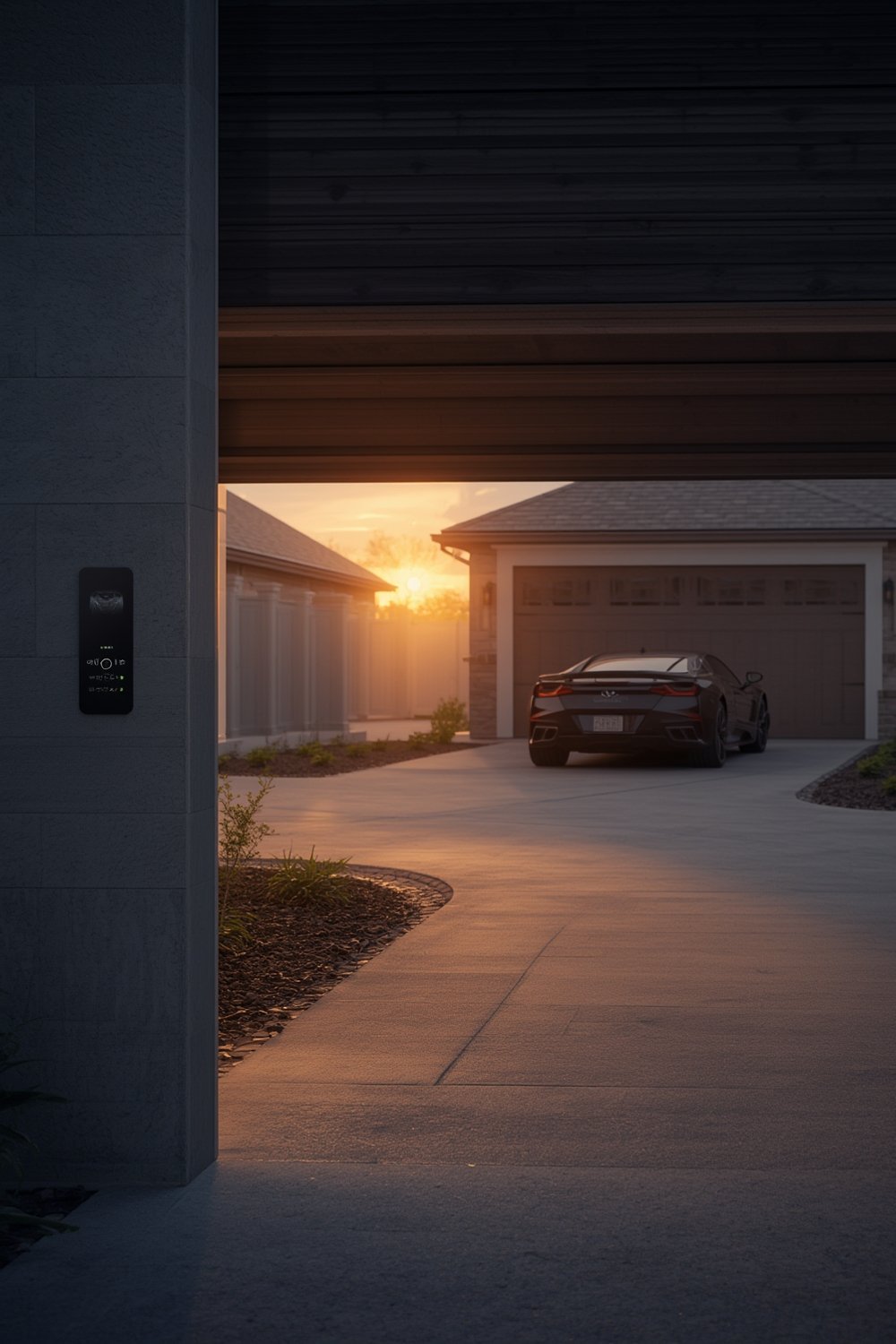
What makes iSmartgate appealing is its ability to work with a range of garage doors and its stated compatibility with smart home platforms like Apple HomeKit, Google Assistant, and Amazon Alexa. These integrations give it the potential to fit into an automated home environment. However, the lack of detailed comparison data and brand-specific case studies means interested buyers should do additional research and prepare for some troubleshooting, especially regarding installation and app performance.
Step-by-Step Guide: Setting Up and Using iSmartgate
- Verify Compatibility: Before purchasing, consult your garage door’s make and model and compare this with iSmartgate’s compatible list. Review the best smart garage door opener guide for broader compatibility tips.
- Purchase and Unbox: Order the iSmartgate device from a reputable source. Inspect the package for the controller, power supply, sensors, and instructions.
- Pre-Install Preparation: Gather simple tools (screwdriver, ladder, drill if needed) and download the iSmartgate app to your smartphone or tablet.
- Install the Hardware: Mount the controller close to your opener motor and place wireless sensors on the garage door. Follow the quick start guide. Take photos before disconnecting any wiring to avoid confusion later.
- Set Up the App: Open the app and create an account if needed. Follow prompts to connect the device to your Wi-Fi. Set permissions, alerts, and any voice assistant integrations.
- Test and Refine: Run several open/close cycles from the app. Adjust sensor alignment or Wi-Fi placement for more reliability. Teach other household members how to use it.
- Add Automations (Optional): Use your home automation platform to trigger the garage door based on routines, location, or voice commands. Consider adding a Homebridge integration for Apple HomeKit compatibility in case of non-native support.
- Maintain and Monitor: Regularly check for app updates and test the system after power outages. Replace batteries in sensors as needed. If you run into connectivity issues, consult your Wi-Fi strength with a speed test tool.
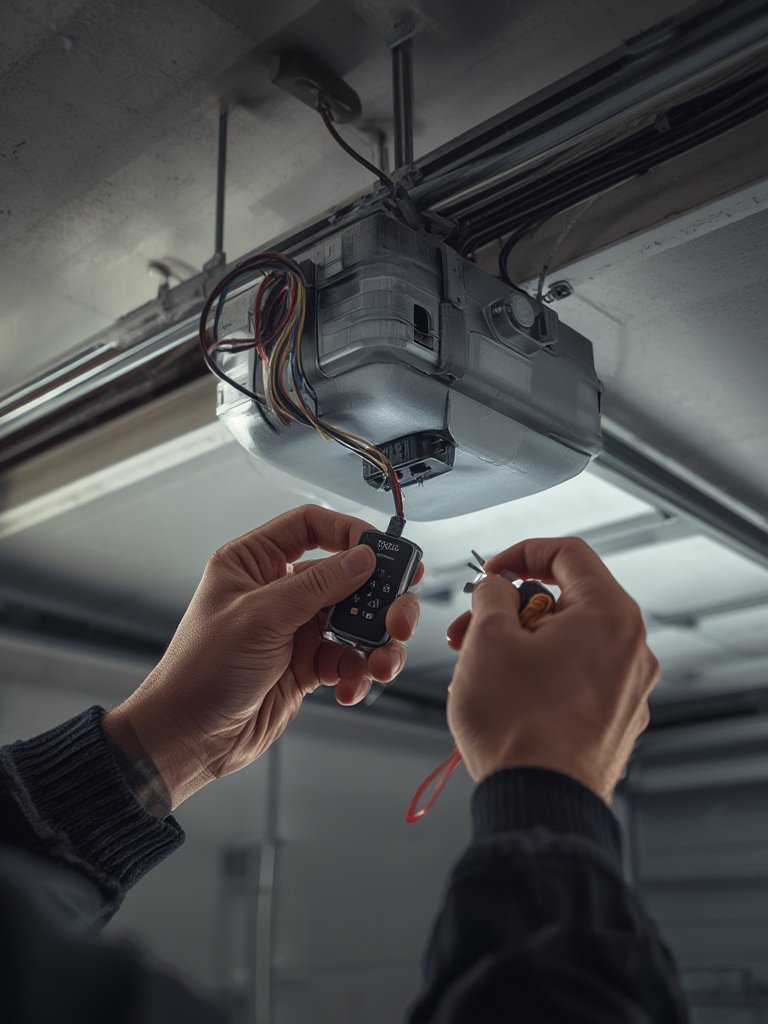
For those looking to maximize their garage’s overall utility, pairing your smart garage setup with organized garage cabinets or even adding smart security devices (like a Nuki smart lock) can help create a more streamlined, secure, and connected garage environment.
Advanced Analysis & Common Pitfalls
Despite its promise, installing and using iSmartgate isn’t always seamless. Here are the most frequent issues and limitations to consider:
- Market Position & Support: iSmartgate is not among the top 3 brands globally, which may mean slower updates, less support, and fewer user forums compared to well-known names.
- Lack of Public Data: Unlike leading brands, detailed reviews, technical support records, or widespread price transparency are missing. You may face a trial-and-error approach to compatibility and integration.
- Potential App Usability Issues: While major brands have heavily invested in user-friendly apps, independent brands sometimes offer clunkier software, which could lead to bugs or unreliable notifications until patches are released.
- Pricing Ambiguity: There are no clear public figures for iSmartgate’s device cost, installation, or subscription requirements. Industry data suggests smart openers cost 30% to 50% more than standard ones, plus 15% to 20% for installation. Always confirm final pricing before you buy.
- Security & Privacy Gaps: There are no verified reports about iSmartgate’s use of end-to-end encryption or unique security features. Most new models industry-wide offer real-time alerts and camera integration, so verify whether these features are present in your specific iSmartgate package.
- No Published Case Studies: There’s no brand-specific evidence showing iSmartgate’s real-life impact on convenience or safety.
| Feature | iSmartgate | Top Brands (Chamberlain, Genie) |
|---|---|---|
| Market Adoption | Low / Niche (not ranked in top 3) |
High (80%+ global share) |
| Security Features | Not publicly detailed | End-to-end encryption, alerts, camera, sensors |
| Compatibility | Check per model | Widespread, frequently updated lists |
| App Quality | Potential for minor issues | Polished, widely used, quick support |
| Pricing Transparency | Unknown | Widely available |
| Subscription Fees | Unknown | Often none for basic functionality |
For best results, research compatibility with your exact door—watch for differences in old versus new garage door openers. Be aware that integrating with newer smart home systems may require extra effort. Prospective buyers who value real-world proof and strong support may want to browse better documented alternatives before committing.
Conclusion
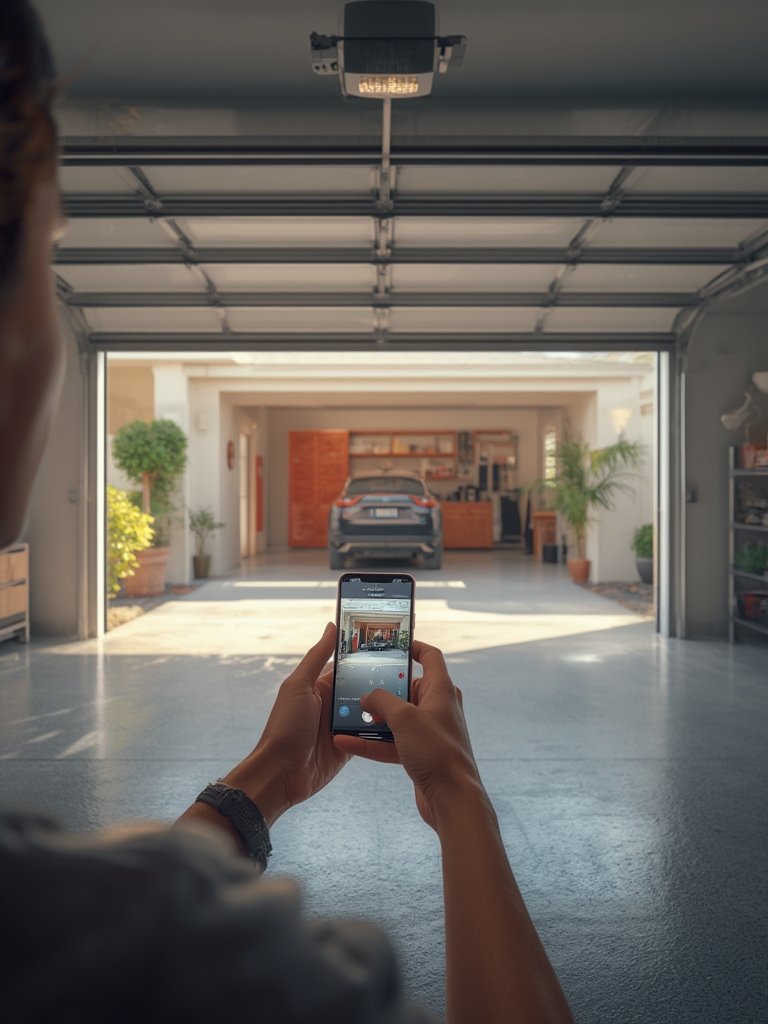
If you’re considering a smart upgrade to your garage, iSmartgate offers unique potential but comes with less market validation and transparency than category leaders. Those motivated by home automation and flexibility may find value, provided they confirm compatibility and prepare for self-guided troubleshooting. The ismartgate device represents a customizable, yet possibly hands-on, path to remote garage access. We recommend doing side-by-side research, such as checking out alternative picks in this best smart garage door opener guide and further exploring top product picks and recommendations before purchasing.
Ready to upgrade your garage? Compare different smart garage openers, read recent reviews, and ensure your chosen device matches your home and needs.
FAQ
Is iSmartgate compatible with all garage door openers?
No, iSmartgate is not universally compatible. Always check the brand’s official compatibility chart and consult with your opener’s manufacturer before buying. Some users have needed adapter modules for older openers.
Does iSmartgate require a subscription?
There’s no public information confirming whether iSmartgate requires a subscription for basic functions. Be sure to clarify this during purchase, as leading competitors typically do not charge for basic app control.
How does iSmartgate compare to Chamberlain or Genie?
Chamberlain and Genie control most of the smart garage opener market, offering wider support, robust support channels, and proven security features. iSmartgate is a niche alternative with less market testing, so weigh your priorities carefully.
Can I use iSmartgate with Apple HomeKit, Alexa, and Google Assistant?
iSmartgate states compatibility with major assistants, but always check your specific model and firmware. For HomeKit, a Homebridge integration can help if official support is lacking.
What are common setup issues with iSmartgate?
Based on industry trends, the most common setup problems include Wi-Fi connectivity difficulties, app pairing glitches, and mounting sensors correctly. Labeling wires and reviewing the manual fully before installation can help avert many frustrations.