

Kasa smart plugs are among the most popular choices for consumers who want convenient, affordable smart home control. In 2024, these Wi-Fi plugs are leading the market, but setup nuances, integration quirks, and comparison to rivals matter if you want reliable automation. Here’s what you must know to use Kasa smart plugs effectively.
Key Takeaways
- Kasa smart plugs bring affordable, flexible home automation with broad voice assistant compatibility.
- Setup is straightforward, but Wi-Fi stability and smart home platform support are crucial for reliable use.
- Comparisons reveal Kasa leads with value and features, but understanding market trends and real-world challenges ensures the best results.
- Understanding Kasa Smart Plugs: What They Are & Why They Matter
- How to Set Up Kasa Smart Plugs (Complete Guide)
- Advanced Analysis & Common Pitfalls (Real User Problems)
- Conclusion
- FAQ
Understanding Kasa Smart Plugs: What They Are & Why They Matter
Kasa smart plugs are Wi-Fi-enabled outlets designed to automate everyday appliances. They let you turn devices on or off from anywhere, set schedules, or control multiple gadgets with voice commands through Alexa, Google Assistant, or (on select models) Apple HomeKit. With a typical retail price of $9.99 for the Kasa Smart Plug Mini, they deliver significant value and flexibility for both renters and homeowners.

The global smart plug market, valued at $3.52 billion in 2024, shows impressive growth potential, crediting user demand for direct device control, energy monitoring, and integration with voice assistants. TP-Link, the parent brand behind Kasa, dominates the category with 35.1% of North American market share, driven by innovation and cross-platform compatibility. (source)
Whether you want to cut phantom energy use, control lights remotely, or automate your coffee maker, Kasa plugs offer a foundation for smarter living. If you’re growing your setup, you’ll benefit from affordable four-packs or energy-monitoring models and seamless linkage with other smart home tech.
How to Set Up Kasa Smart Plugs (Complete Guide)
Setting up Kasa smart plugs typically takes less than five minutes — if you know the steps. Here’s how to get it right the first time (and troubleshoot the most common hiccups):
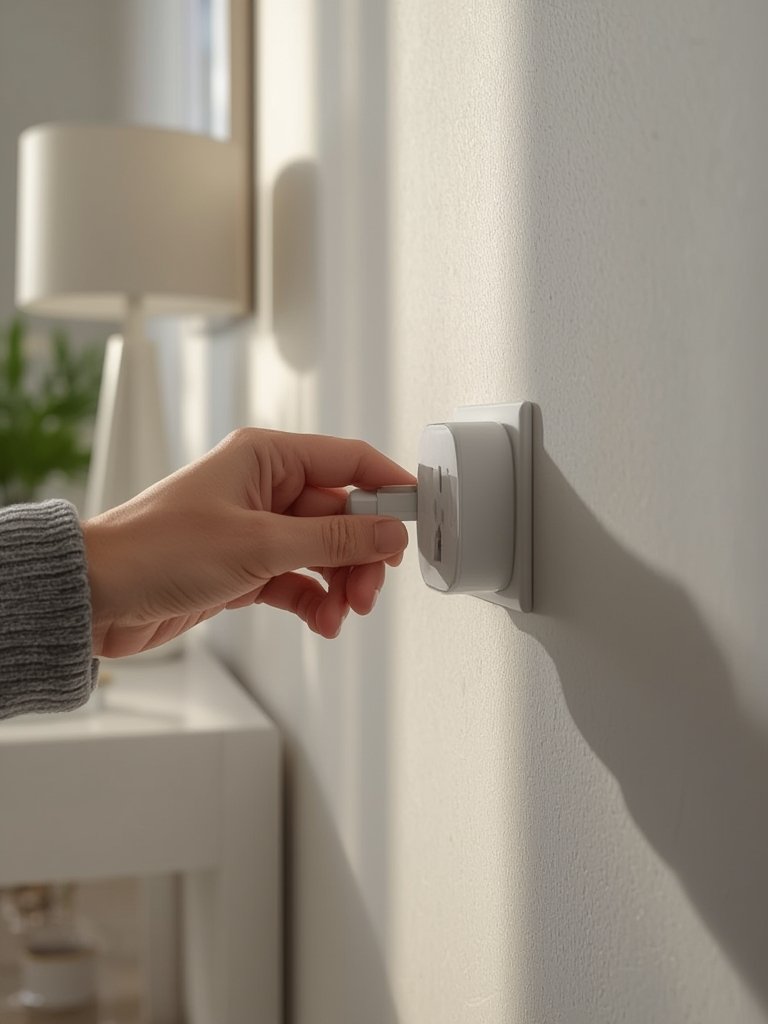
- Unbox and Plug In: Insert the Kasa smart plug into any standard wall outlet. Confirm the LED indicator is flashing (ready to pair).
- Install the Kasa App: Download the free “Kasa Smart” app (iOS or Android) from your device’s app store.
- Create/Log in to Your Kasa Account: If new, follow the prompts to set up an account and verify via email.
- Add Device: Open the app, tap “+” or “Add Device,” and select “Smart Plug” from the list.
- Follow In-App Pairing Steps: The app will guide you to connect your phone to the Kasa plug’s temporary Wi-Fi, select your home Wi-Fi network (must be 2.4GHz), and enter the password.
- Name & Assign Room: Choose a clear, easy-to-remember name for the plug (e.g., “Bedroom Lamp”) and assign it to a room/group for easier voice or app control.
- Update Firmware If Prompted: Installing firmware updates can improve performance or add new features.
- Integrate with Alexa, Google Assistant, or HomeKit (if model supports):
- For Alexa/Google: In Kasa app, go to device settings > “Works with” > link your voice assistant account.
- For Apple HomeKit: Only specific models support HomeKit—use included HomeKit code to pair through the Apple Home app.
- Test On/Off Remotely and Set Schedules: Use the app or voice to toggle the plug, schedule timers, or create automation routines.
Troubleshooting Tips:
- If your plug won’t connect, confirm your phone is on 2.4GHz Wi-Fi (Kasa plugs don’t support 5GHz on most models).
- Reset by holding the power button (usually 5 seconds) until the LED rapidly blinks, then retry pairing in the app.
- For Alexa/Google issues, relink the Kasa account in the voice assistant app and check for firmware updates.
- If using with Apple HomeKit, double-check that your specific Kasa plug model is HomeKit compatible.
To see Kasa in action with other smart devices, check out our Kasa Smart Plug Setup resource or browse best-practice routines in our top product picks and recommendations guide.
Advanced Analysis & Common Pitfalls (Real User Problems)
While Kasa plugs are top-rated for ease and affordability, some issues can hinder your experience—and understanding the market context can help you make a smarter buying decision.
- Wi-Fi Dependence: Setup and operation require stable 2.4GHz Wi-Fi. Mesh networks, dense building materials, or weak coverage can cause plugs to disconnect or become unresponsive.
- HomeKit & Matter Compatibility: Not all Kasa models support Apple HomeKit or Matter. Always check model numbers and packaging before purchase if you require universal smart home interoperability. If you need a device that Works with HomeKit, consider compatible alternatives.
- Limited High-Wattage Appliance Support: Most Kasa smart plugs are rated up to 10A (about 1200W at US voltage), which is fine for lamps, fans, or TVs but space heaters. Exceeding these ratings risks tripping the internal breaker or causing the plug to fail.
- Account/Cloud Reliance: Remote control depends on TP-Link’s cloud servers. Internet outages mean you can’t control your plugs from away, though local control remains if you’re on the same Wi-Fi.
- No Advanced Power Filtering: Unlike some high-end competitors, Kasa plugs generally lack surge protection or noise filtering.
| Aspect | Kasa (TP-Link) | Competitors (e.g., Wemo, Amazon) |
|---|---|---|
| Price | $9.99 (Mini); $49.99 (HomeKit 4-pack) source |
Amazon Smart Plug often free with Echo; Wemo priced higher per-unit |
| Features | Matter, energy monitoring, robust Alexa/Google compatibility | Common Alexa/Google integration; model-to-model feature variance |
| Compatibility | Alexa/Google Assistant, HomeKit (select models only) | Alexa/Google; less uniform HomeKit/Matter support |
| Max Load | Up to 10A (1200W at 120V) | Similar; always check load limits |
| Warranty | Not clearly published; TP-Link typically offers 1-2 years | Wemo: usually 1 year; Amazon: limited warranty |
Want more on energy monitoring and smart tech integration? Explore our guides to the best home water filters, self emptying robot vacuum for pet hair, and organic modern kitchen trends for a connected lifestyle.
Conclusion
Kasa smart plugs offer a proven combination of affordability, easy setup, and compatibility with top voice assistants. Understand your Wi-Fi requirements, device compatibility, and wattage limits for frustration-free operation. If you’re building or upgrading your smart home, Kasa smart plugs are a practical, scalable choice to power and automate daily tasks.
Ready to take control? Learn step-by-step from our Kasa smart plugs setup guide and unlock convenient, secure automation for your lights, fans, and more. Want to compare with other trending tech? Visit our broader product buying guide next.
FAQ
Do Kasa smart plugs work with 5GHz Wi-Fi?
No, Kasa smart plugs require 2.4GHz Wi-Fi for both setup and ongoing operation. Dual-band routers usually support this frequency.
Can I use Kasa smart plugs with Apple HomeKit?
Only select Kasa models support HomeKit. Always check for the “Works with HomeKit” label on your product before purchasing. Otherwise, Alexa and Google integrations are more widely supported.
What appliances are safe to use with Kasa smart plugs?
Use Kasa smart plugs for lamps, fans, TVs, and low to moderate wattage devices. Do not plug in space heaters, air conditioners, or appliances that exceed 10A/1200W.
What if my Kasa smart plug won’t connect during setup?
Make sure your phone is connected to 2.4GHz Wi-Fi, hold the plug’s power button until it resets, then retry setup in the Kasa Smart app. Avoid using a VPN or mobile hotspot for setup.
How long do Kasa smart plugs last, and what’s the warranty?
Typical lifespan is several years with normal use. Warranty varies, but TP-Link usually offers 1 to 2 years—always check the specific product’s documentation or their website for details.
—