

Kasa smart plugs have become the go-to solution for simple, affordable home automation in 2024. If you want a practical way to control lights and devices, save energy, and get started with a smart home, Kasa smart plugs are worth a close look. This guide shows exactly how they work, what to expect, and how to avoid common pitfalls other guides don’t warn you about.
Key Takeaways
- Kasa smart plugs are among the most affordable and highly rated options for Wi-Fi smart plug control in 2024.
- Real-world setup is usually fast and trouble-free, but compatibility and home Wi-Fi quality can be hurdles for some users.
- Market adoption is rising rapidly, yet most guides miss hard data, direct comparison specs, and deep troubleshooting tips for these plugs.
- Kasa Smart Plugs: What They Are and Why They Matter
- How to Set Up and Use Kasa Smart Plugs
- Advanced Analysis & Common Pitfalls
- Conclusion
- FAQ
Kasa Smart Plugs: What They Are and Why They Matter
Kasa Smart Plug Mini are compact Wi-Fi-enabled adapters that plug into any household outlet and let you remotely control, schedule, and monitor power to plugged-in devices. Their popularity is surging in 2024 because they make it simple to automate lamps, fans, coffee makers, or anything else that plugs in.
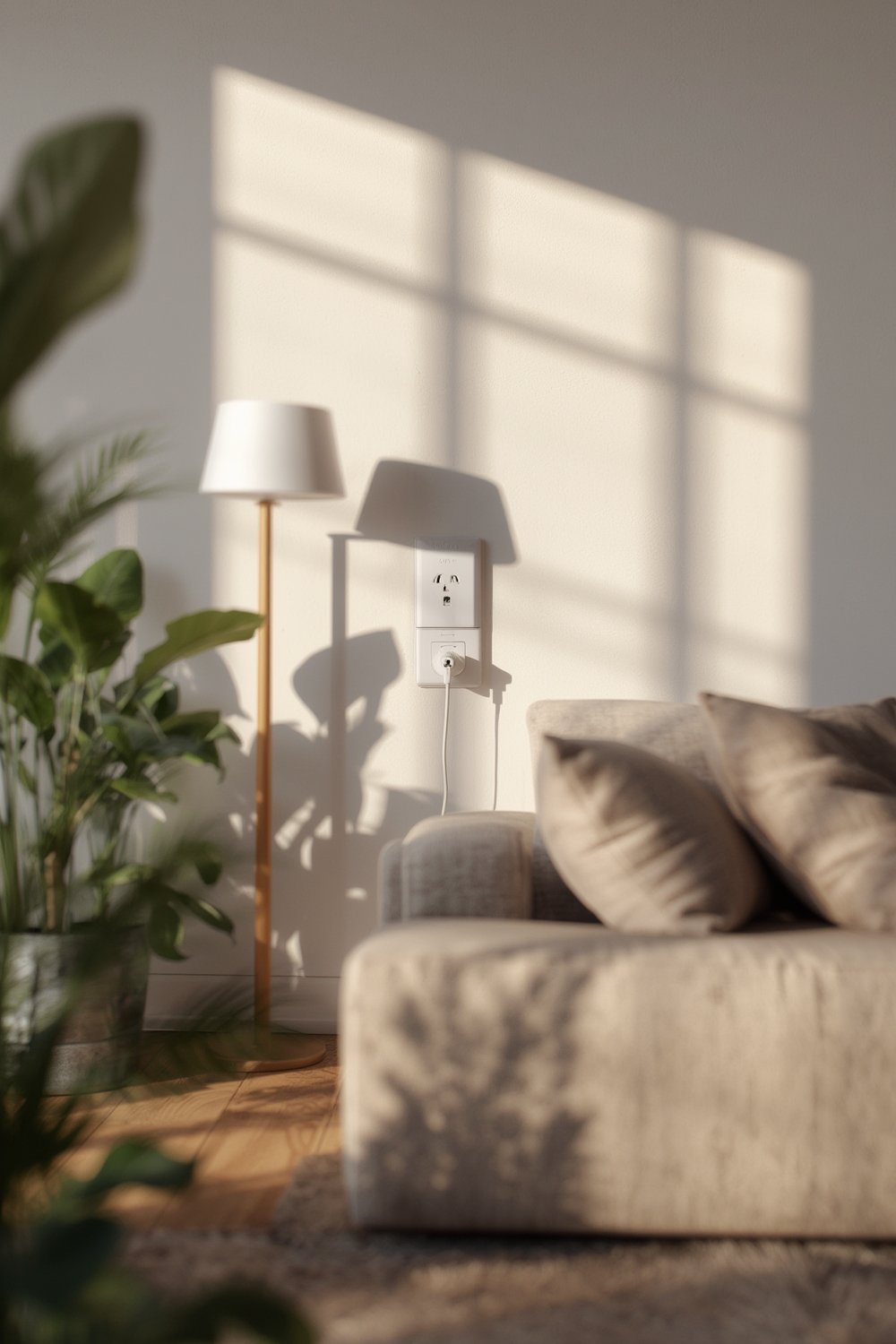
The global smart plug market is projected to soar from USD 1.46 billion in 2023 to USD 14.52 billion by 2032, a massive 29.03% CAGR, as smart home adoption accelerates
(source,
source).
In the US, 28% of broadband households now own at least one smart plug—Kasa, backed by TP-Link, is a top brand due to its affordability and integration features.
What’s driving buyers besides low price (often under $10)? Kasa smart plugs let you automate routines, check and control your devices remotely with your phone, and sync with Alexa, Google Assistant, or Siri for voice controls. As more renters and homeowners look for non-intrusive upgrades, these plugs are a quick win—just like permanent outdoor lights or a boneless couch for easy moving.
How to Set Up and Use Kasa Smart Plugs
Getting started with Kasa smart plugs is fast—you don’t need a hub or smart home gateway. Here’s a streamlined setup for 2024:
- Unbox your Kasa smart plug and plug it into any standard outlet.
- Download the Kasa Smart app (iOS or Android).
- Open the app and create or log into your TP-Link account.
- Press the power button on the plug until the LED flashes (pairing mode).
- In the app, tap the “+” to add a new device, select your plug model, and follow the step-by-step pairing instructions.
- Connect the plug to your Wi-Fi (2.4GHz is typically required).
- Name the plug (e.g., “Living Room Lamp”) and assign it to a room; test remote control via the app.
- (Optional) Link with Alexa, Google Assistant, or Apple HomeKit for voice control.
- Set up on/off schedules, countdowns, or scenes, and (if supported) view energy monitoring in the app.
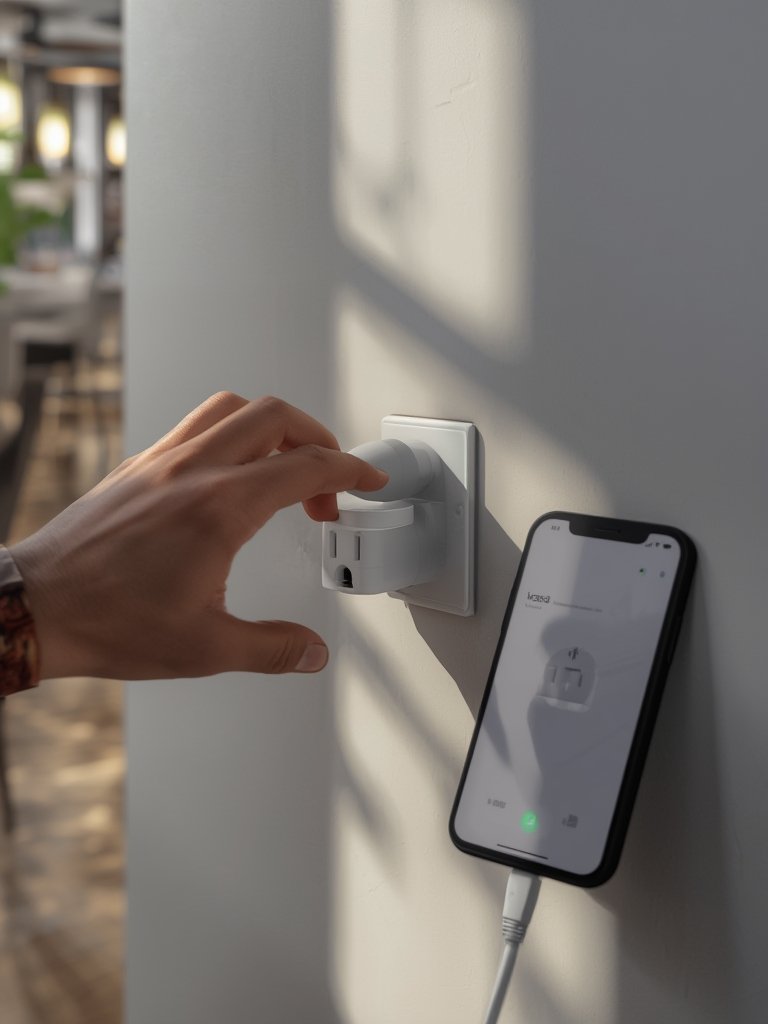
Once connected, Kasa smart plugs can handle more than you might guess. For example, you could automate pet-related routines alongside a self-emptying robot vacuum for pet hair or connect them to rarely used lights. Integration with Homebridge lets you add non-HomeKit plugs to Apple Home, further making Kasa a smart choice for mixed-device households.
There are no ongoing subscription or maintenance costs—current models, like the Kasa Smart Plug Mini, are sold at a flat price (e.g., $9.99 for a single, around $49.99 for a four-pack; often discounted source). That means you can cover an entire apartment for less than the monthly bill of many other smart home gadgets.
Advanced Analysis & Common Pitfalls
While most buyers have a smooth experience, no device is perfect. Several advanced issues or overlooked pain points often go unmentioned:
- Wi-Fi Network Dependency: Kasa smart plugs need reliable 2.4GHz Wi-Fi. If your router is distant or the signal is weak in certain rooms, expect connection drops.
- Lack of Hard Specs vs. Competitors: Detailed data on Kasa’s energy monitoring accuracy, real-world power draw, or advanced app features versus models like WeMo or Amazon Smart Plug aren’t available—most brands keep these specs vague.
- Home Integration: Kasa plugs are strong on Alexa and Google Assistant commands; HomeKit support is available on specific four-pack bundles. If you want automations with systems like Lutron or Samsung SmartThings, check compatibility first—especially if you’re building a complex, fully automated home similar to setups that include Nuki smart lock or Ring doorbell.
- Upfront vs. Hidden Costs: No subscriptions or required accessories, but note the higher price for multi-packs and sometimes limited supply during sales.
- Data Privacy: There are no known vulnerabilities reported for Kasa plugs since 2022, but the brand does not publish full details on encryption or cloud security.
- Setup/Pairing Dead Ends: On rare occasions, buyers report trouble pairing due to Wi-Fi encryption settings, outdated routers, or conflicts with mesh networks.
Here’s a quick comparison of Kasa features versus popular alternatives (where public data exists):
| Feature | Kasa Smart Plug Mini | Amazon Smart Plug (2024) | Lutron Plug | Samsung SmartThings Plug |
|---|---|---|---|---|
| Wi-Fi or Other Protocol | Wi-Fi (2.4GHz) | Wi-Fi (2.4GHz) | Proprietary/Wi-Fi | Zigbee/wired/Wi-Fi |
| Energy Monitoring | Basic/Advanced* (*model dependent) |
Improved (as of 2024) | Yes (limited) | Yes (with SmartThings app) |
| App Features | Scheduling, Scenes, Timer | Voice, Routines, Scheduling | Automation, Basic App | Automation, App Control |
| Voice Control Support | Alexa, Google, Siri (HomeKit bundle) | Alexa | HomeKit, Limited 3rd party | Google, Alexa, SmartThings |
| Approx. Price (Oct 2024) | $9.99 (1pk) $49.99 (4pk/with HomeKit) |
$19.99 | $49+ | ~$19.99 |
(Technical data for energy accuracy is not published by Kasa or competitors. Info from: source)
Conclusion
Kasa smart plugs are a practical, cost-effective entry point to home automation in 2024. They integrate simply with most homes, support the most popular voice platforms, and let you automate without hassles or subscriptions. While technical specs and security details are not always transparent, most users experience convenience and reliability. Traffic spikes, router quirks, or odd Wi-Fi setups can cause minor headaches—but these are easily managed with the right troubleshooting steps.
Ready to try Kasa smart plugs or level up your current setup? Pick up a single or multi-pack and enjoy true plug-and-play automation. For other tech upgrades, explore more product picks and home automation tips in our top product picks and recommendations hub.
FAQ
Do Kasa smart plugs work without Wi-Fi?
No, Kasa smart plugs require a stable 2.4GHz Wi-Fi connection to function remotely. Without Wi-Fi, you can only use the manual power button, and no app or automation features are available.
Can I monitor real-time energy usage with Kasa smart plugs?
Some Kasa models offer energy monitoring in the app. Check your model’s specs—Kasa Smart Plug HS110 and select bundles support energy usage tracking, but the Mini model may not.
Are there hidden costs or subscriptions for Kasa smart plug use?
No, there are no recurring subscription fees or maintenance costs. The up-front retail price is all you pay.
How is Kasa different from Amazon or WeMo smart plugs?
Kasa is generally more affordable and supports a wide range of voice assistants natively. However, it lacks advanced automation found in high-end competitors, and detailed energy monitoring specs aren’t as public.
Is there any security risk in using Kasa smart plugs?
No specific vulnerabilities have been reported in the past two years. As with any smart device, keep your firmware and app updated, use strong Wi-Fi passwords, and check your privacy settings regularly.